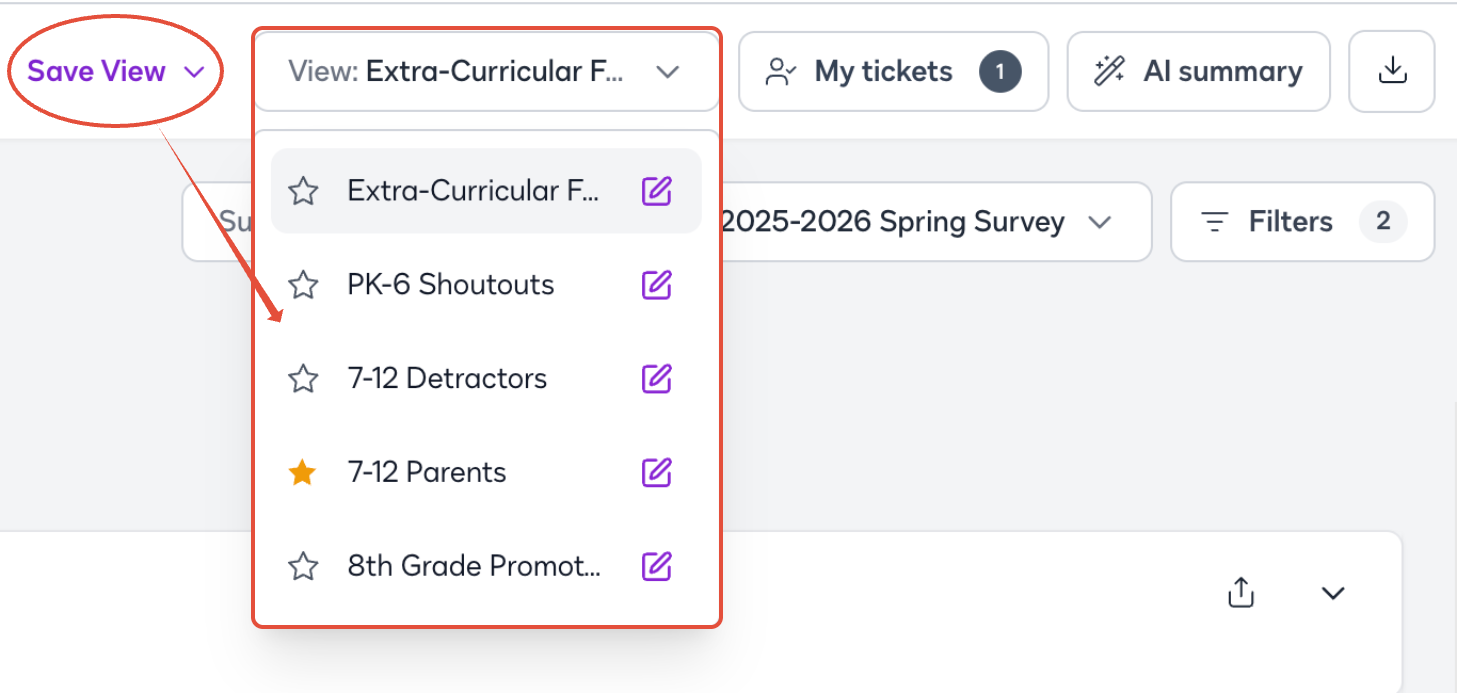
Saved Views make it easy to return to the comments that matter most to you. Instead of applying the same search and filter criteria each time you visit the Comments page, you can save your preferred view and quickly access it again. Saved Views can help you create a more personalized Comments experience based on the work you do most often. Saved Views helps you to:
- Save time by reducing the need to repeatedly apply the same filters.
- Stay focused on the comments most relevant to your workflow.
- Organize your work around the types of comments you review most frequently.
- Quickly return to important work without rebuilding your view each time.
- Create focused workflows for different types of comment review.
| How can Saved Views help my workflow in ParentPulse? |
For example, if your team regularly reviews family feedback related to academics, you can create a Saved View using the relevant filters. The next time you visit Comments, simply select that view to get back to the feedback you need without rebuilding your filters!
Check out these next steps and watch the guided tour!
|
Was this article helpful?
That’s Great!
Thank you for your feedback
Sorry! We couldn't be helpful
Thank you for your feedback
Feedback sent
We appreciate your effort and will try to fix the article