| The Survey Builder is a powerful tool designed to help you quickly create and launch your sequences. While it's built to be intuitive, this tutorial will ensure you maximize its potential, whether you're surveying parents, students, employees, or all of the above. |
| Sequence Settings |
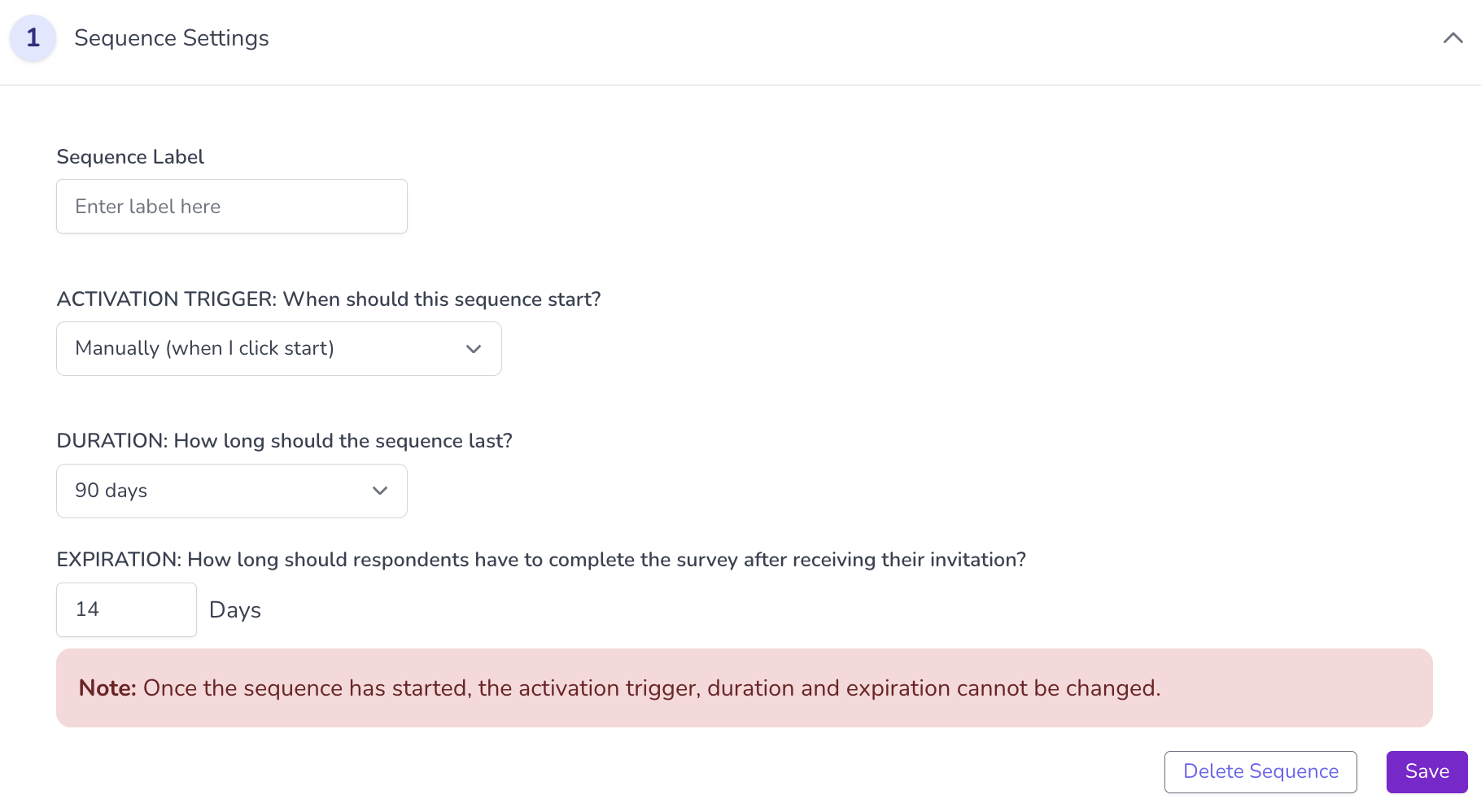
The first step in creating a sequence is completing some basic settings:
|
| Survey Incentives |
Next, consider creating an incentive to boost participation in your survey. We've integrated incentive options such as a Prize Drawing or a Participation Award.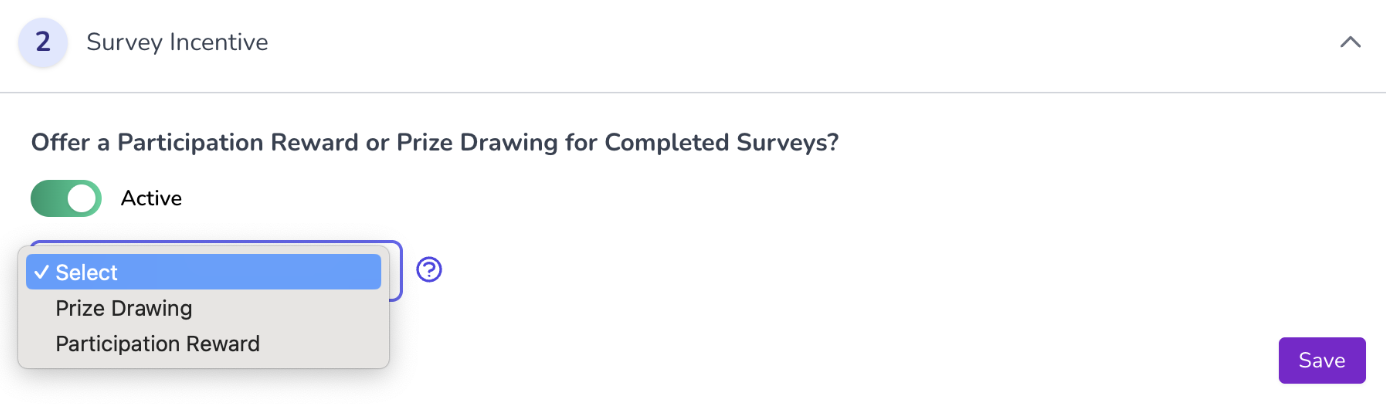
|
| Intro and Completion Messages |
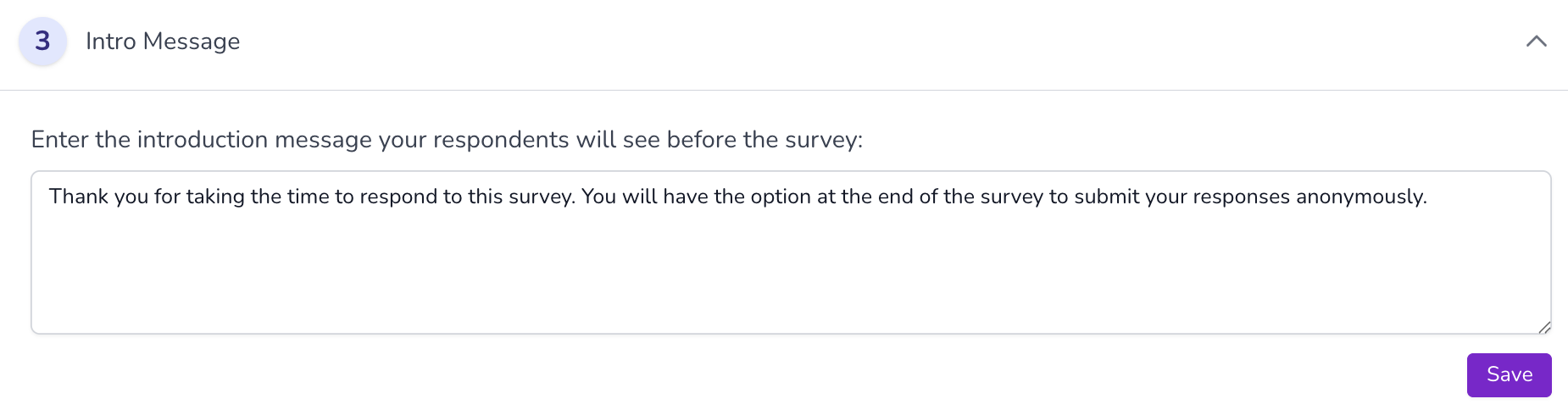
You can easily customize the default intro and completion messages at any point, but the real fun begins when you start selecting questions. 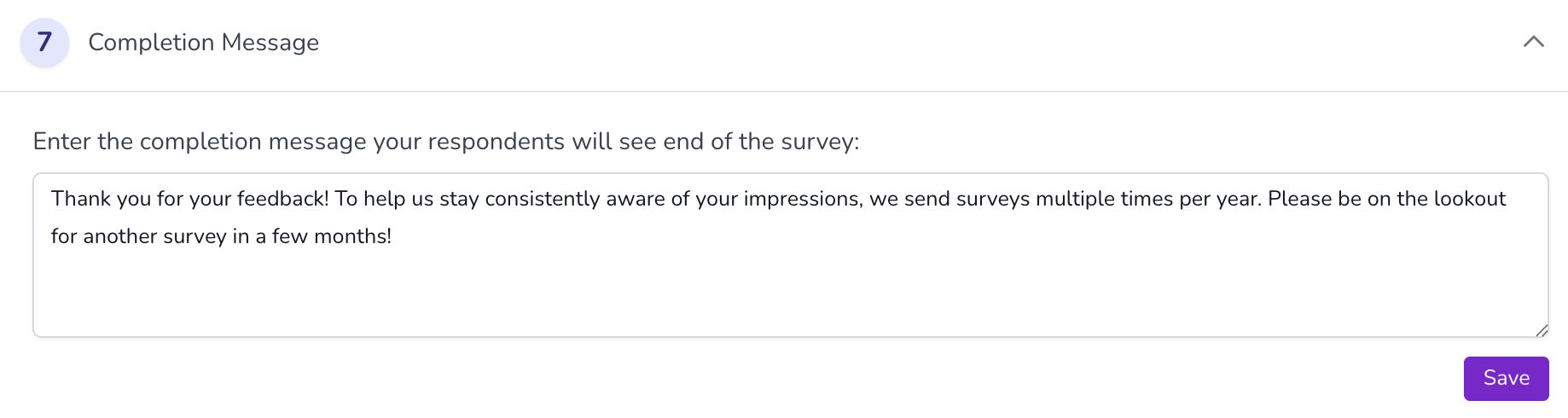 |
| Benchmark Questions |
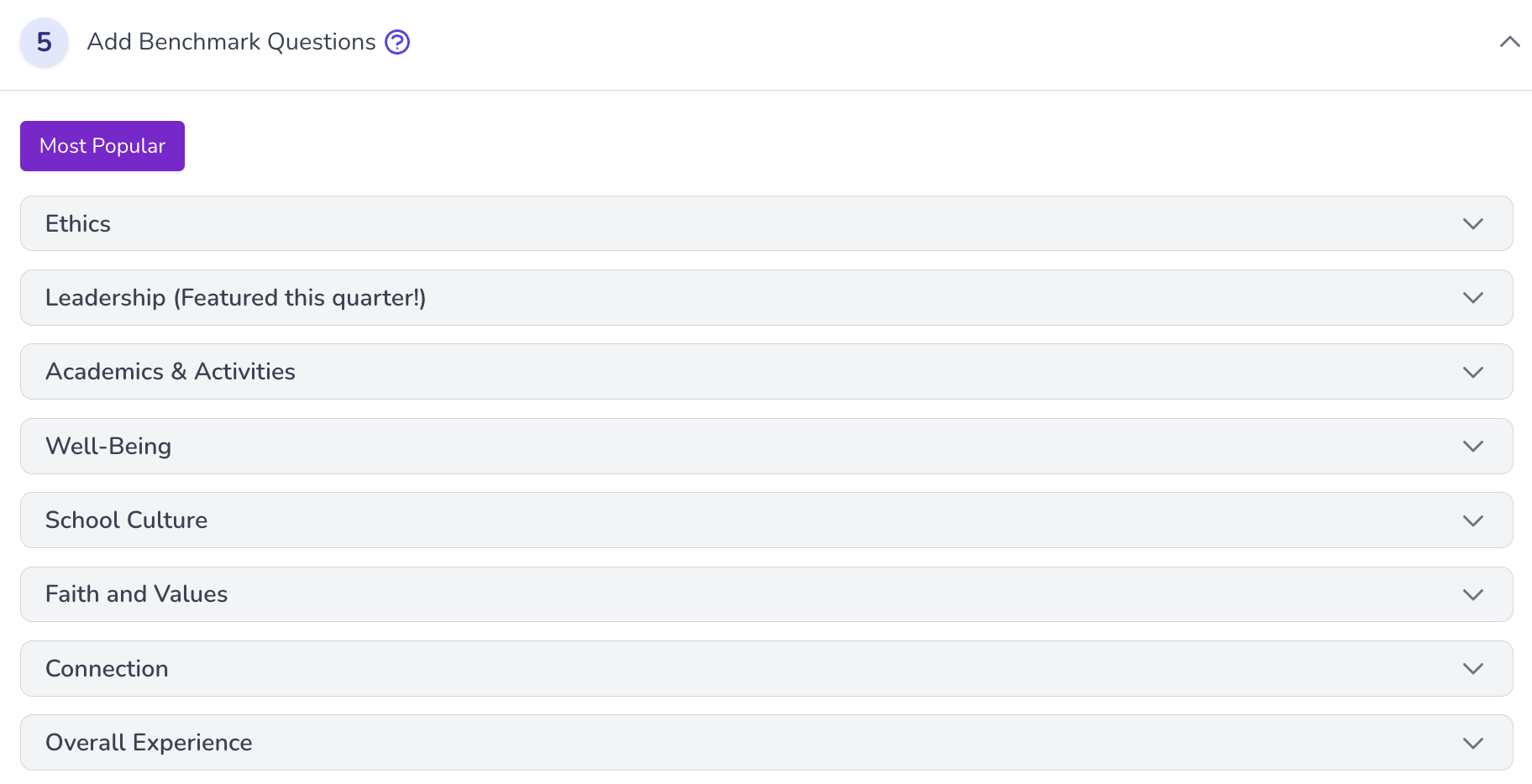
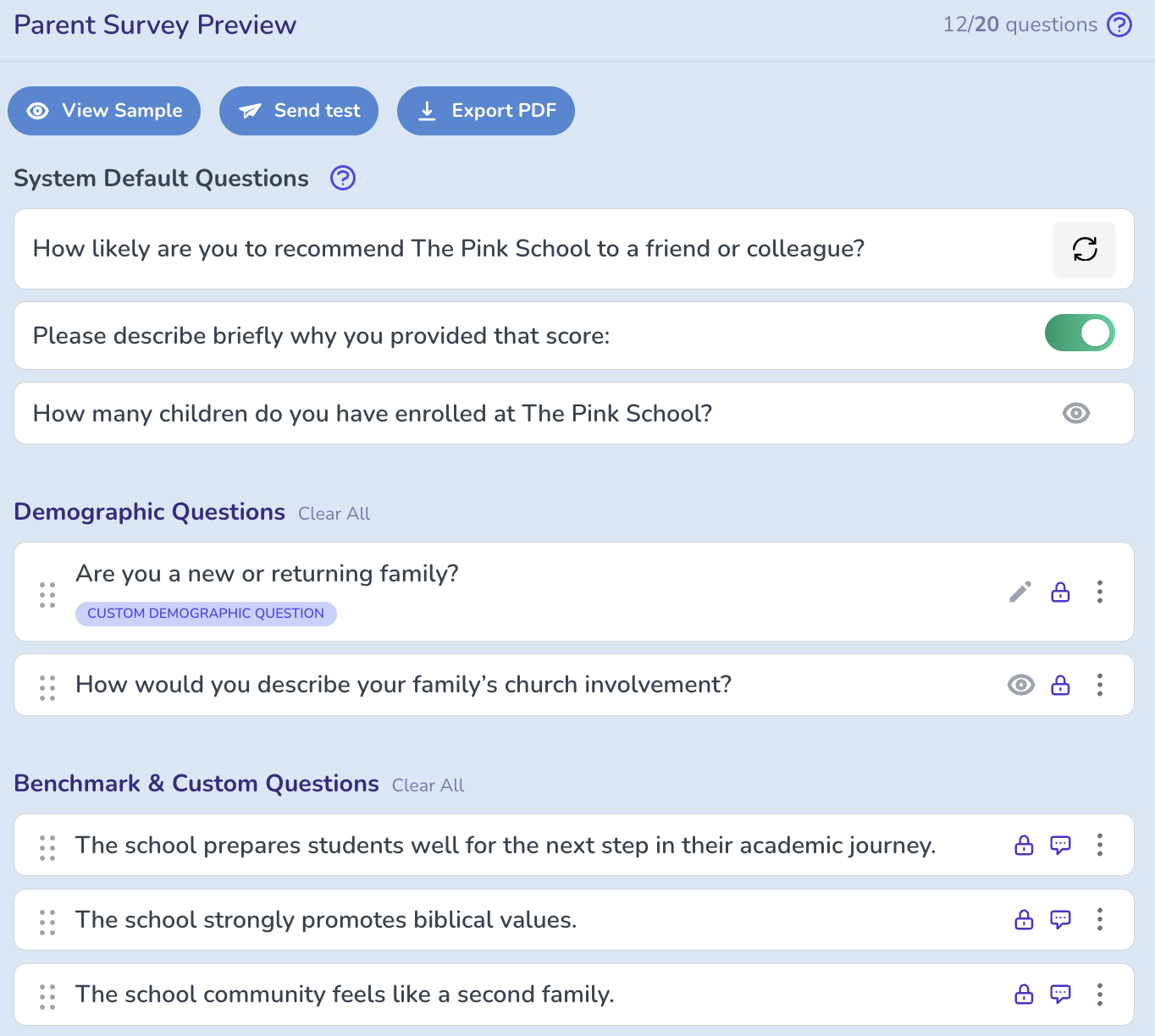
Next, you'll select benchmark questions from our various categories. We always suggest selecting a few questions that align with your school's core values or mission.
|
| Custom Questions |
|
| Survey Preview |
|
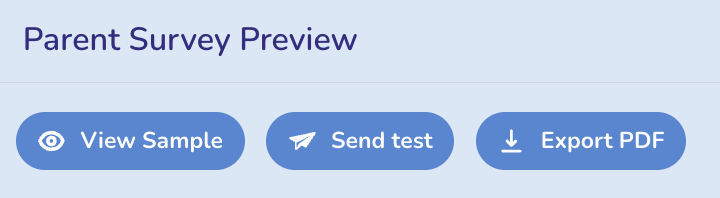
| Viewing and Testing your Survey |
|
| Launching your Survey |
|

Was this article helpful?
That’s Great!
Thank you for your feedback
Sorry! We couldn't be helpful
Thank you for your feedback
Feedback sent
We appreciate your effort and will try to fix the article